Discover AI Text Comparison
These utilities analyze multiple written drafts to identify discrepancies, highlight subtle shifts in phrasing, and ensure consistent messaging across various versions. They are essential for verifying accuracy in technical documentation or pinpointing specific edits during collaborative writing projects. When selecting the right match for your workflow, prioritize options that provide side-by-side visualization, support your preferred file formats, and offer clear indicators for additions or deletions.

Instant AI diff for text, code & JSON right in Chrome

Talk to multiple LLMs at once

Now with smart contract analysis
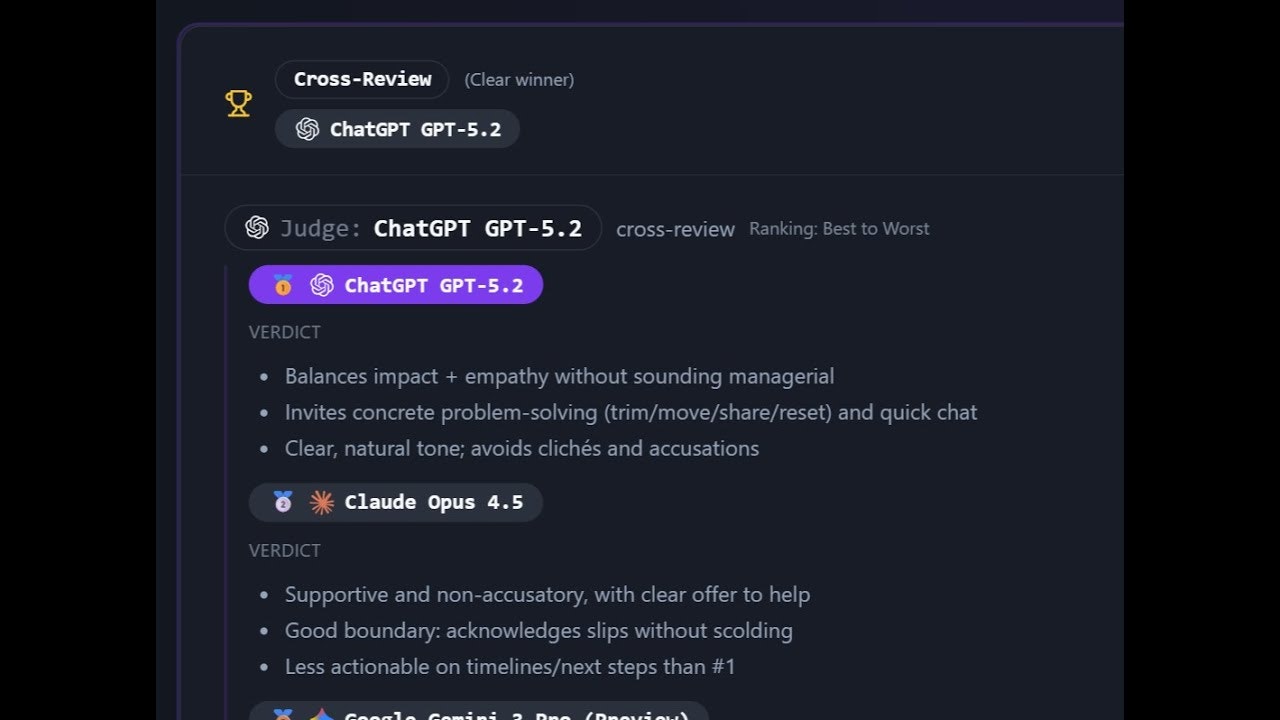
Run one prompt across AIs. Cross-review. Combine.

Compare two texts and find differences
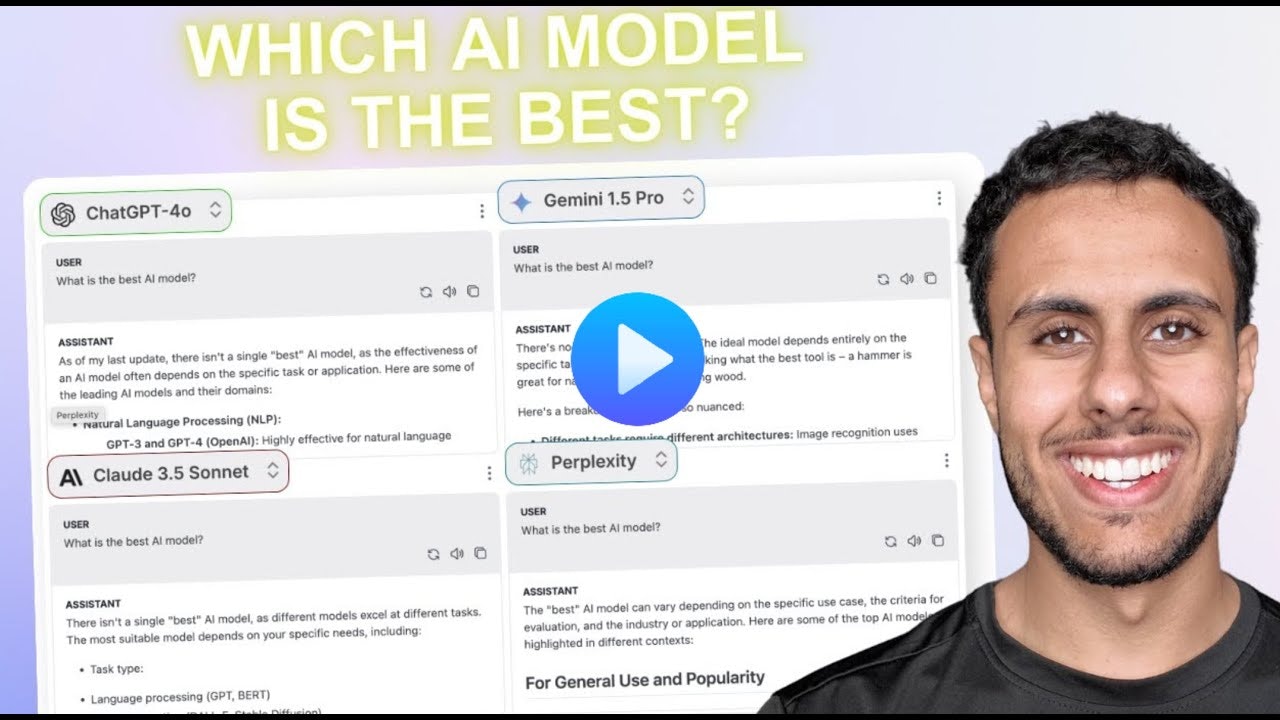
🚀 Discover Which AI Model Fits You Best — Instantly

Determines the best answer for you across multiple LLMs

Gemini editing upgrade:visual Diff,change-safety,local sync

Windows desktop app for working with multiple AI models

Understand what changed, not just the text.

All AI, One Place

See what an AI edit changed. No account for the basics.

Your 7-LLM Conference

One question. Three faiths. Verified sources.

Same prompt. Different brains.

One Prompt, Every AI Collaborates

Run one prompt. Evaluate top models. Pick the best.

Translate documents without breaking formatting


Plagiarism detection and AI content detection software