Top Screen Capture AI Tools
These utilities simplify the process of documenting your digital workspace, whether you need to record fluid video tutorials or grab precise still images for documentation. Focus your selection on how a tool handles workflow integration, annotation features, and the speed at which you can share or store your final files. The best choice is one that minimizes the steps between capturing your display and getting the material into your project folder.

Your AI doesn't know which button you mean
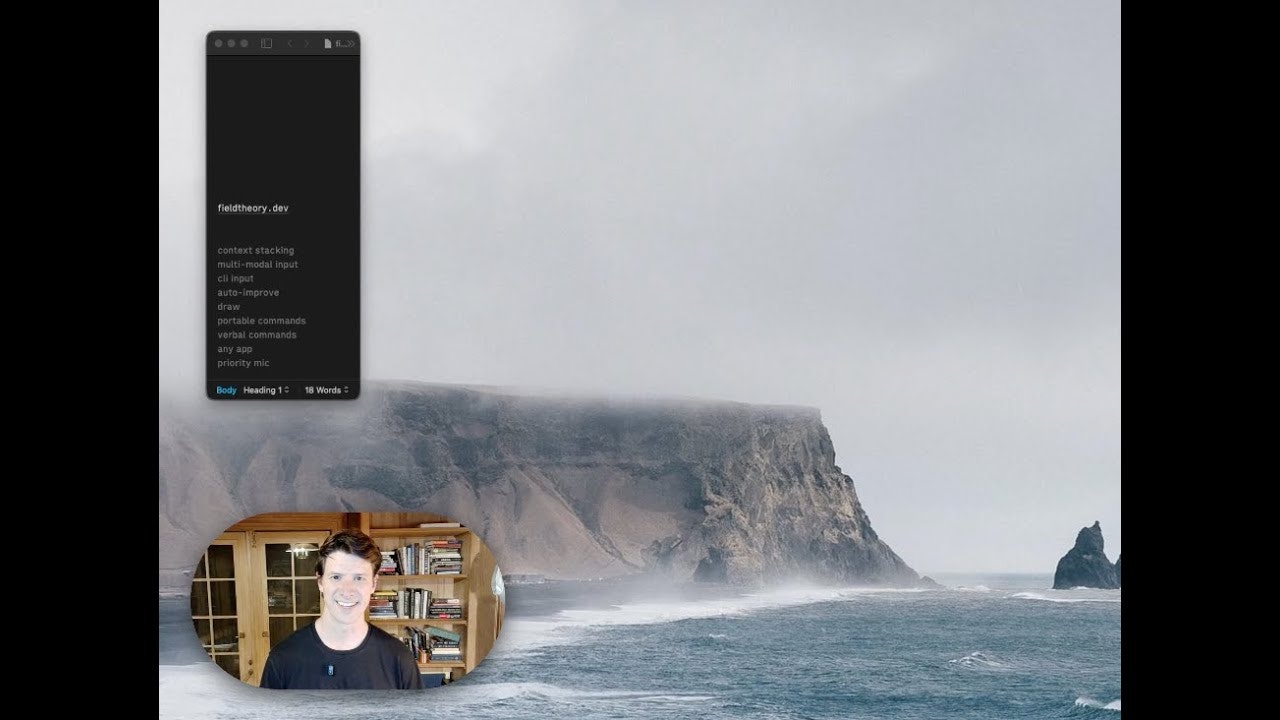
Capture twice the context in half the steps

A simple way to report bugs that devs actually understand.

⌘⇧X → drag → ask AI. No uploads, no app switching.

Assistant with the goal to Integrate AI into Everything
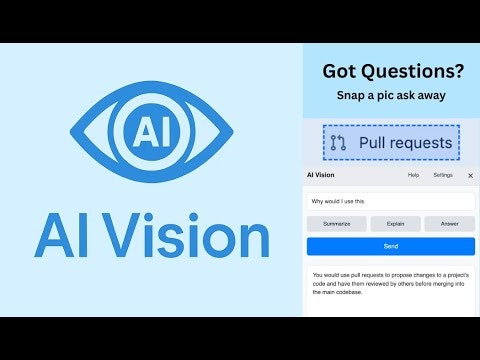
Screenshot and ask. Free visual AI query tool with Gemini.

PowerPoint → narrated training video + SCORM, in 5 min

Making AI Handy

Instant desktop AI companion to boost your workflow

One-click screenshots straight into ChatGPT & Claude

Turn a prompt into a product walkthrough video (not trailer)

Capture Your Screen. Ask AI About It

Select any part of any page and get an instant answer.

Same AI power. No datacenter needed.

Capture once. Use everywhere.

Meeting transcription that never leaves your computer

Private visual AI assistant for Apple devices

Meeting notes that never leave your machine.

Ctrl+Shift+2 to save anything for your ai

Use AI on text, docs, and anything on screen